Delegated authentication configuration
🤦 🤦 🤦 Combodo's customers only 😎 😎 😎
- name:
- Combodo-hybridauth-configuration
- description:
- Configure authentication delegation through an external provider
- version:
- 1.0.2
- release:
- 2024-08-02
- itop-version-min:
- 3.0.0
- state:
- stable
- php-version-max:
- PHP 8.3
Features
This extension simplifies the configuration of an OpenID provider, which can handle the authentication for iTop.
-
Configure your external provider (ID/SECRET)
-
Enable creation of iTop account (user and contact) as they connect for the first time.
Revision History
| Version | Release Date | Comments |
|---|---|---|
| 1.0.2 | 2024-08-02 | * N°7582 - Be able to tune debug configuration
from UI * N°7584 - Login mode with special characters were not supported - fixed * N°7589 - Move menu under Delegated authentication group, change label openID/Oauth by OpenID/Oauth (uppercase O) * N°7716 - Fix PHP 8.1 deprecated warning * Added French translations |
| 1.0.0 | 2024-01-25 | First version |
Limitations
Compatible with minimum iTop 3.x
Requirements
Installation
Use the Standard installation process for this extension.
Usage
Current extension proposes a screen for external authentication delegation.
For those advanced setting, you will have to edit the Configuration file.
Booth modes to edit this configuration are compatible and no settings will be lost
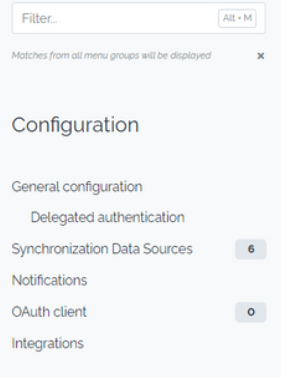
Menu access
Configuration page is available to iTop Administrators and Users
having write access on the following resource:
RessourceHybridAuthMenu.
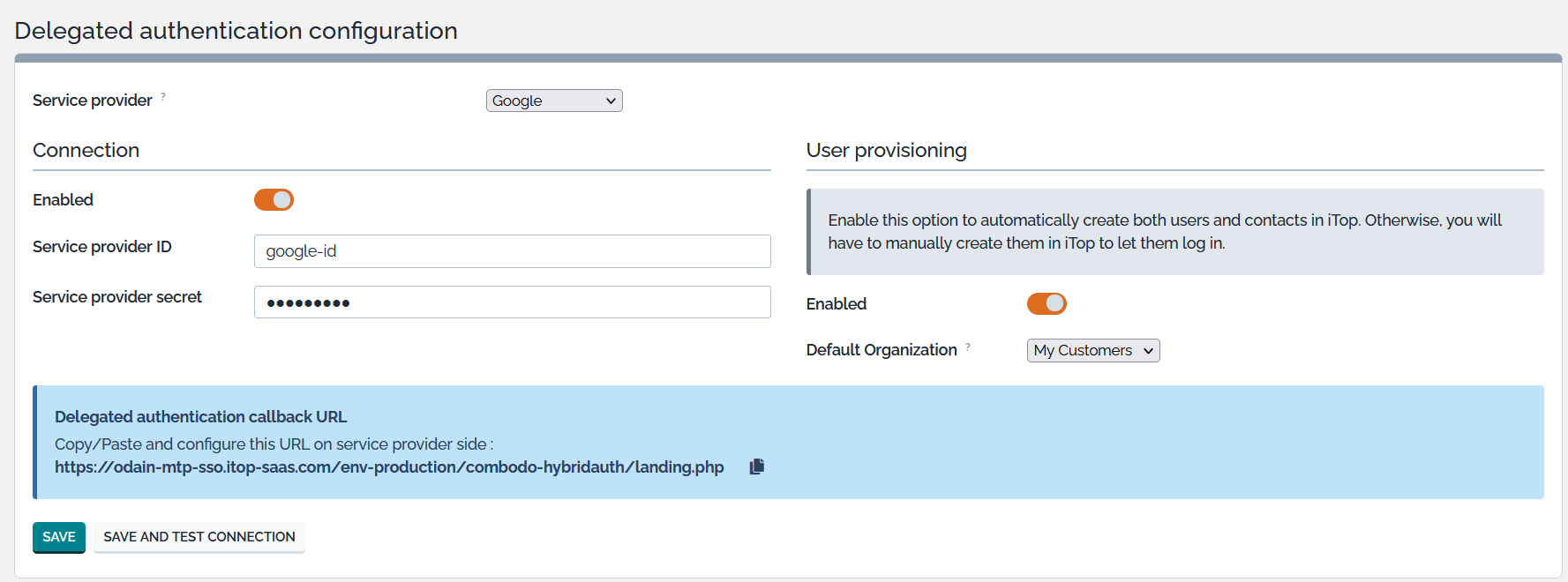
Main screen
When clicking on 'save' button all settings are saved in iTop configuration.
When a specific provider is enabled you can also save immediately the configuration and validate external authentication through selected provider. It consists in successively saving your settings, disconnecting from iTop and trying to reconnect through external provider.
Configuration
Menu/screen access
By default this new screen is accessible only by Administrators. If you want to give access to other profiles please customize your iTop with something like this:
  <user_rights>
    <profiles>
      <profile id="x" _delta="must_exist">
        <!-- x is a number which must correspond to an existing iTop profile -->
        <groups>
          <group id="RessourceHybridAuthMenu" _delta="define">
            <actions>
              <action id="action:write">allow</action>
            </actions>
          </group>
        </groups>
      </profile>
     <profiles>
  <user_rights>
External provider list
-
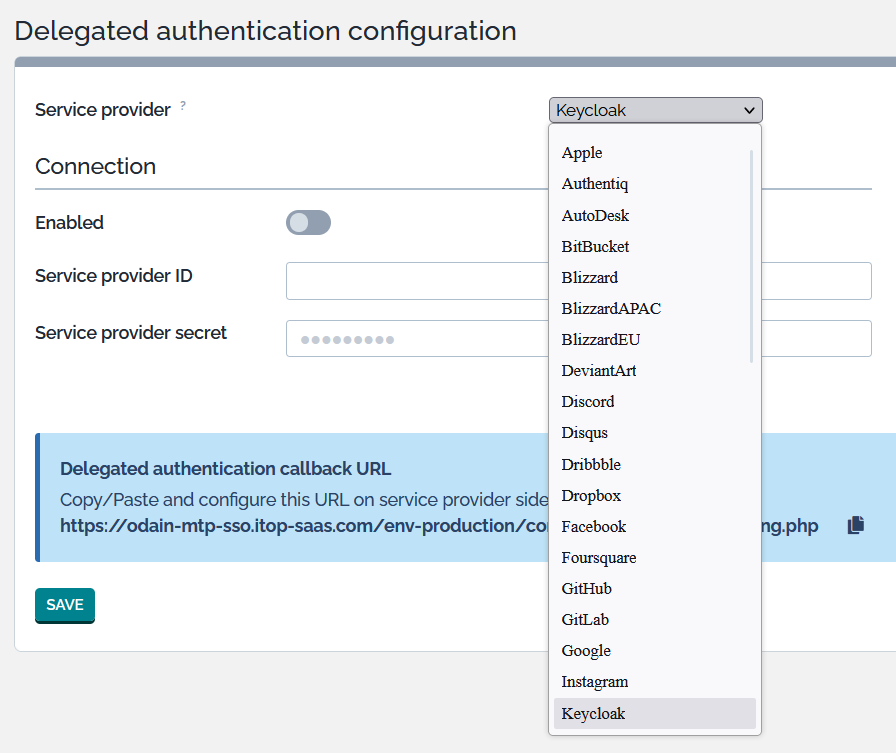
By default all available hybridauth/hybridauth lib providers are proposed from below V3.11.0 library
https://hybridauth.github.io/providers.html
-
You can restrict the proposed providers likewise in the iTop configuration
$MyModuleSettings = array(
    'combodo-hybridauth-configuration' => array (
        'ui_proposed_providers' => array (
            0 => 'Google',
            1 => 'MicrosoftGraph',
        ),
    ),
)
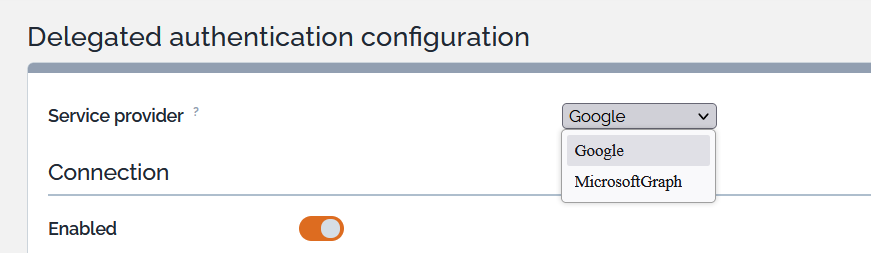
-
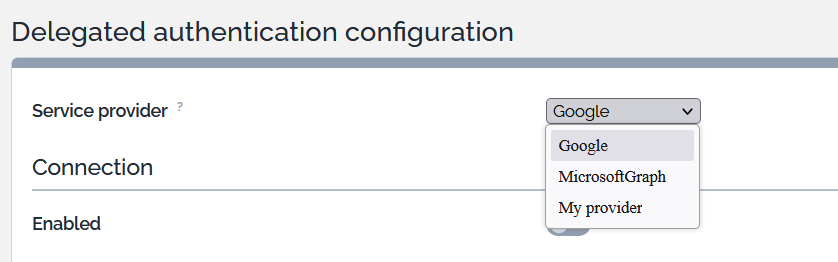
The drop down list will restrict to the listed providers. but it will also propose any other provider listed in combodo-hybridauth configuration section (cf “My provider” in below example section)
Example
'combodo-hybridauth' => array (
    'debug' => true,
    'default_profile' => 'Portal User',
    'providers' => array (
        'My provider' => array(),
    ),
),